
One computer. Three children. Two hours of online classes. Zero peace in your home. If this sounds like your morning routine, you are not alone. Millions of Indian parents are juggling the impossible task of managing shared computer study time across multiple children, especially after the digital learning revolution transformed how our kids learn.
The challenge is real. Your daughter needs the computer for her mathematics class at 10 AM. Your son has English tuition at 10:30 AM. Your youngest requires the screen for interactive learning modules at 11 AM. The shared computer becomes a battleground, and your role transforms from parent to referee. But here’s the truth: with the right strategy and tools, managing multiple children on one computer is not just possible, it’s manageable.
This guide will show you how to create a sustainable study schedule for siblings, optimize your family’s computer usage, and ultimately, why investing in proper digital infrastructure matters for your family’s educational future.
Understanding the Real Problem With Shared Computer Study Time
Before jumping to solutions, let’s acknowledge what makes shared computer study time so difficult. It’s not just about taking turns. When multiple children share one computer, you’re dealing with several interconnected problems:
- Conflicting class schedules across different grades and schools
- Different learning styles requiring different software and applications
- Constant switching between user profiles and login credentials
- Technical issues that multiply when devices are overused
- The psychological stress of children waiting for their turn
- Reduced learning quality due to time pressure and anxiety
According to research from India’s Ministry of Education, students learning on shared devices show lower engagement compared to those with dedicated access. This directly impacts your children’s academic performance.
Creating an Effective Study Schedule for Siblings
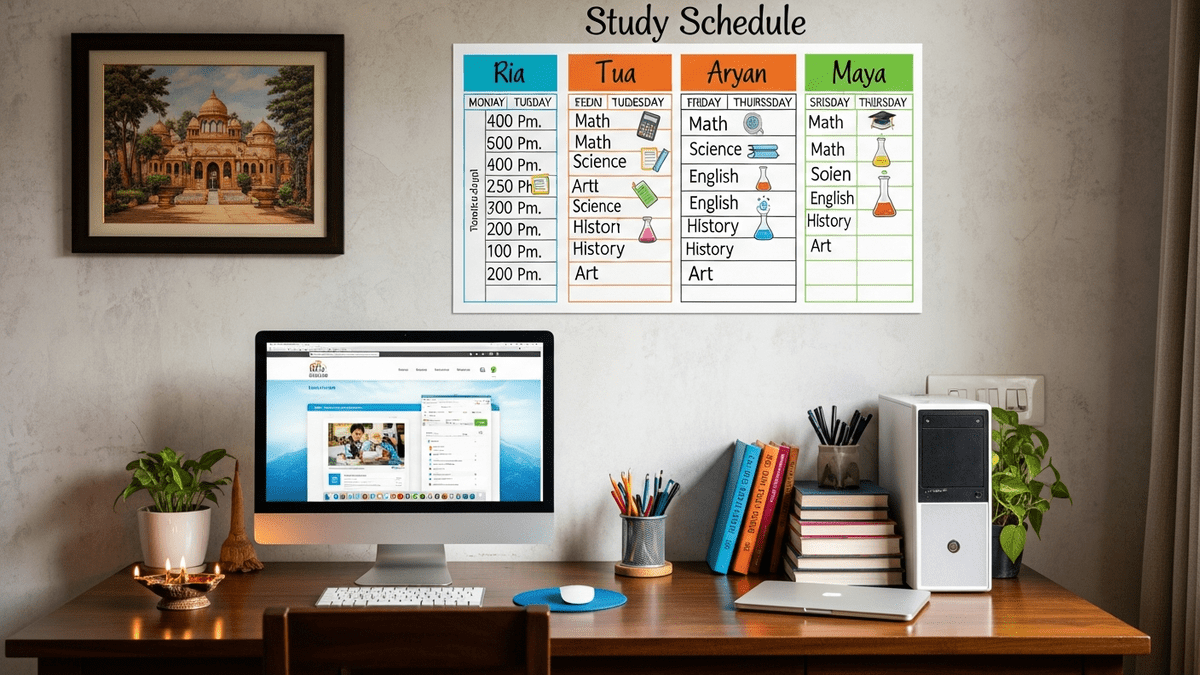
The foundation of managing multiple children on one computer is a rock-solid study schedule. This isn’t just about writing times on a calendar. A proper study schedule for siblings accounts for individual learning rhythms, school requirements, and realistic family dynamics.
Step 1: Map All Digital Requirements
Start by listing every digital activity each child needs:
- Scheduled online classes (note exact times)
- Self-paced learning modules
- Research and project work
- Practice tests and assessments
- Homework requiring computer access
Step 2: Identify Non-Negotiable Time Slots
Live classes are non-negotiable. These must have first priority in your shared computer study time plan. Build your entire schedule around these fixed points. If your Class 10 child has live mathematics at 10 AM and your Class 5 child has English at 10:30 AM, you already know these slots are locked.
Step 3: Create a Buffer System
Never schedule back-to-back sessions. Include 10-15 minute buffers between each child’s computer time. This prevents frustration, allows for technical troubleshooting, and gives children mental breaks.
Step 4: Build in Offline Learning Time
Not everything requires a computer. While one child uses the computer, others should be doing offline work: reading textbooks, solving practice problems, writing assignments, or completing projects. This transforms your family computer study plan from a bottleneck into a rotation system.
Practical Strategies for Managing Study Time on a Shared Computer
Beyond scheduling, here are tactical approaches that actually work:
Use Multiple User Accounts
Create separate user accounts for each child. This maintains their individual settings, bookmarks, and learning progress. When one child logs out and another logs in, the computer is already configured for their needs. This single step can save 5-10 minutes per transition.
Implement a Visual Timer System
Children waiting for their turn need to know exactly when they’ll get access. Use a visible timer that shows remaining time. Knowing “you have 20 minutes left” is psychologically different from vague waiting. Transparency reduces conflict dramatically.
Establish Clear Transition Protocols
Each child should know: log out completely, save all work, close all applications, and step away from the desk. This prevents accidental data loss and allows the next child to start fresh. Make this a routine, not a request.
The Infrastructure Reality: Why Your Current Setup Might Be Failing
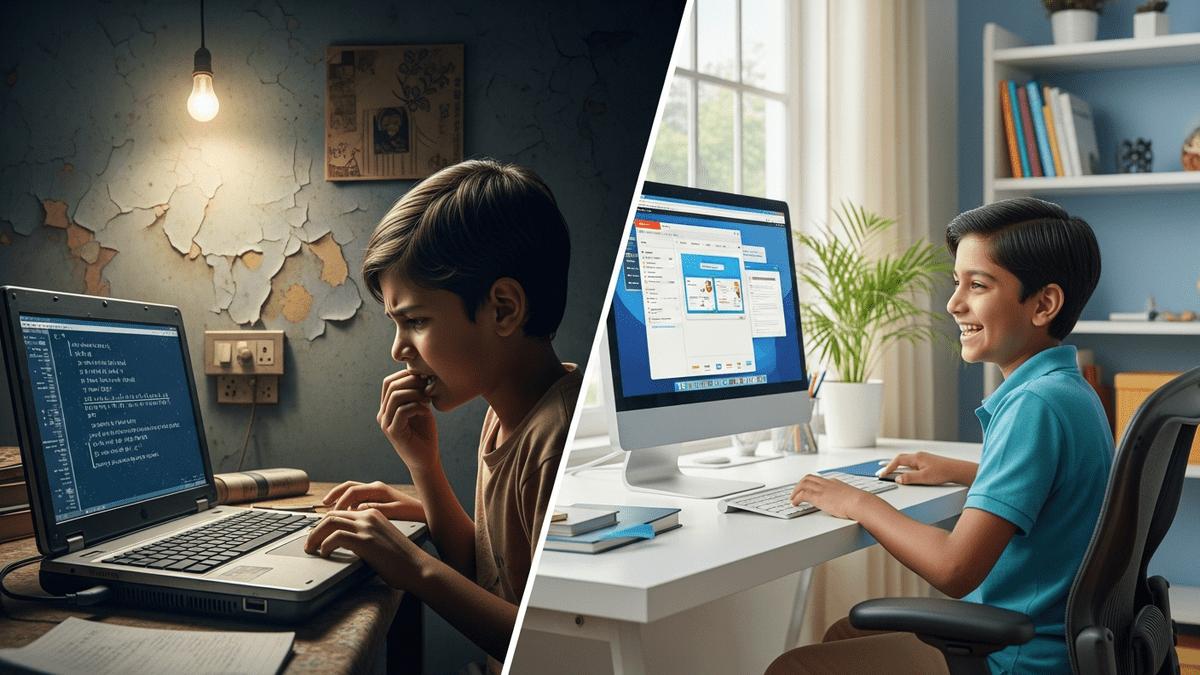
Here’s what many parents don’t realise: a 5-year-old laptop with 4GB RAM and a struggling hard drive is not just slow. It actively sabotages your study schedule for siblings. When applications take 30 seconds to load, those buffer minutes disappear. When the system freezes, your carefully planned family computer study plan collapses.
UNESCO’s research on digital learning infrastructure shows that device performance directly correlates with student engagement and learning outcomes. An underpowered computer isn’t just inconvenient. It’s an educational liability.
This is precisely why many Indian families are now moving toward dedicated educational systems. Rather than forcing multiple children through a single consumer laptop, forward-thinking parents are investing in proper educational infrastructure.
APNA PC: A Solution Built for Indian Families
If you’re managing multiple children on one computer and feeling the strain, there’s a solution specifically designed for Indian households: APNA PC.
APNA PC is not just a computer. It’s a complete educational infrastructure bundle at Rs.30,000 that includes:
- Mini PC with i3 7th Gen processor, 8GB RAM, and 128GB SSD (handles multiple simultaneous educational applications)
- Monitor, keyboard, mouse, webcam, and headset (everything you need for quality online learning)
- Specialized education software pre-installed and optimized
- 3-year warranty and professional installation
Many parents are using APNA PC as the foundation of their POD growth engine, creating learning centers that serve their own children plus neighbourhood students. But even if you’re only managing your own family, APNA PC transforms how your children access education.
The 8GB RAM means your children can have multiple applications open. The SSD ensures fast loading times. The dedicated educational software means less troubleshooting and more learning. Your carefully planned study schedule for siblings actually works because the technology supports it, not fights it.
Beyond Technology: The Mindset Shift
Managing shared computer study time for multiple children isn’t just a logistical problem. It’s also a mindset shift. You’re moving from “how do I make this work with what we have” to “what infrastructure do my children actually need to learn effectively.”
Some parents see investing in educational technology as an expense. But when you calculate the hours spent managing chaos, the learning time lost to technical failures, and the stress accumulated by everyone involved, it becomes clear that proper infrastructure is an investment in your children’s education and your family’s peace.
If you’re considering becoming an edupreneur vs tuition teacher and building a learning centre in your community, APNA PC is worth serious consideration.
Your Next Step With Shared Computer Study Time
Stop managing chaos. Start building a system that works.
Whether you’re implementing better scheduling strategies with your current computer or ready to upgrade your educational infrastructure, the goal is the same: create an environment where your children can focus on learning, not on waiting for their turn.
Ready to transform how your family learns? Explore how to build a sustainable learning solution for your home today.